
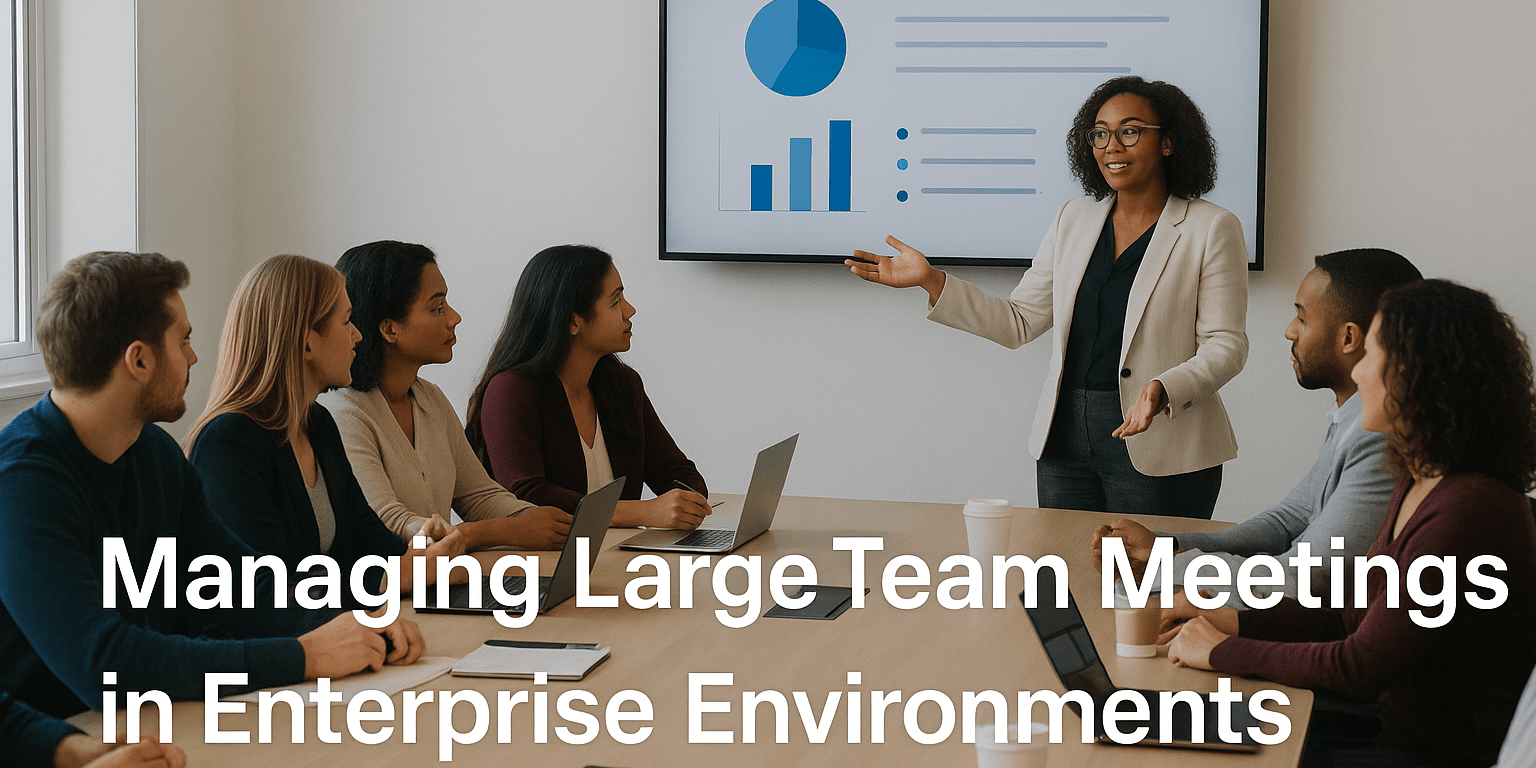
In today’s high-stakes corporate world, meetings serve as critical inflection points. Yet when mismanaged, they can drain time, sap focus, and erode momentum. This guide explores how enterprises can use meeting management tools, especially Beekast, to design, run, and debrief large-team meetings with precision, participation, and purpose.
Why Enterprise Meeting Management Needs More Than Video
Large-scale meetings, whether quarterly strategy sessions, global product rollouts, or hybrid training workshops, demand more structure than a video link and a shared deck. Common pitfalls include:
- Flawed logistics and disconnected agendas
- Limited participation, especially from remote team members
- Post-meeting ambiguity and lost follow-through
To avoid these traps, enterprise-grade meeting management tools offer built-in scheduling, structured agendas, real-time engagement, role assignments, and automated follow-up. That is where Beekast shines.
Core Enterprise Features for Large-Scale Meetings
1. Agenda Management and Pre-Meeting Preparation
Enterprises need airtight agendas. Beekast lets organizers craft detailed, multi-section agendas with time allocations, attachments, and space for feedback. This level of planning turns reactive gatherings into productive, goal-driven meetings.
2. Interactive Modules During the Meeting
From live polls and quizzes to word clouds and idea boards, Beekast empowers participants to contribute in real time. Everyone has a voice, whether in the room or joining remotely.
“We use Beekast … import slides and then add polls or other activities along the way. It’s made our meetings more interactive for sure!” (reddit.com)
3. Time Management and Pacing
With visual timers and agenda progress tracking, Beekast helps meeting hosts keep discussions focused and on schedule. Teams are more likely to stay engaged when they know the meeting will end as planned.
4. Action Item Assignment and Tracking
Rather than vague promises to follow up, Beekast enables real-time task assignment. Responsibilities are documented clearly, making it easy to track progress after the meeting ends.
5. Reporting and Tool Integrations
Beekast generates a complete summary with notes, decisions, and assigned tasks. These can be exported or pushed to tools like Microsoft Teams, Outlook, or Google Workspace, helping maintain workflow consistency across the organization.
How to Run a Large-Team Meeting with Beekast
Step 1: Before the Meeting
Define a clear purpose, share the agenda in advance, and attach any background materials. This ensures that all participants arrive prepared and aligned.
Step 2: Start Strong
Kick off with an interactive poll or temperature check to build energy. Use this moment to make sure every voice is welcome and heard.
Step 3: Run the Meeting Interactively
| Feature | Benefit |
| Polls and Ratings | Uncover consensus or disagreements quickly |
| Live Brainstorms | Capture spontaneous ideas in a visual way |
| Q&A Threads | Manage side questions without derailing main topics |
| Real-time Slides and Docs | Keep everyone aligned and focused |
Step 4: Close with Clarity
Summarize decisions, assign next steps, and clarify expectations. Use Beekast’s built-in tools to assign tasks before people leave the room or log off.
Step 5: After the Meeting
Monitor follow-up through Beekast dashboards. Connect unresolved items to the next meeting agenda and send a brief survey to assess effectiveness.
Real World Examples: Beekast in Action
Regional Marketing Alignment
A global brand used Beekast to unify campaign planning across five regions. Each team contributed insights via localized polls and shared visual feedback boards. This collaborative model cut planning time in half and sped up execution.
Compliance Training for a Multinational
A large industrial company transformed its compliance training from static slides to Beekast sessions, including real-time quizzes and simulations. The result was faster session completion, higher post-training assessment accuracy, and measurable engagement increases.
Best Practices for Managing Large Team Meetings
- Keep participant numbers manageable and use breakout formats when necessary.
- Segment your agenda to alternate between presentation and interaction.
- Assign someone to monitor engagement, especially for remote attendees.
- Introduce polls or activities every 10 to 15 minutes to keep energy high.
- Always pair each discussion point with a clear action item and owner.
Why Beekast Excels in the Enterprise Space
Many platforms offer video or basic polling. Beekast integrates those features with planning, interaction, accountability, and reporting, creating a complete meeting lifecycle tool. It helps enterprises turn meetings into high-impact events that move projects forward.
Flexible Pricing That Grows With You
Unlike providers that require strict per-seat licensing or costly add-ons, Beekast offers pricing that adjusts based on usage and organizational needs. Companies can choose plans that scale with them, ensuring access to enterprise-level features without overpaying.
Getting Started: Simple Rollout Strategy
- Begin with a single team or department.
- Set goals such as reducing meeting time or increasing task completion.
- Monitor results and adjust your meeting format based on feedback.
- Gradually expand usage across more business units as the impact grows.
To explore the complete feature set and discover how your organization can benefit, visit Beekast enterprise meeting software.
FAQs
1. What are the key features of enterprise meeting management software?
Top features include collaborative agenda planning, real-time interaction tools, task tracking, automatic reporting, and integration with existing workplace platforms.
2. How does Beekast support remote and hybrid teams?
Beekast includes tools that ensure full participation regardless of location, such as live polls, idea boards, and synchronized content sharing.
3. Can Beekast eliminate the need for separate meeting notes?
Yes. Beekast automatically compiles summaries that include discussion points, outcomes, and assigned tasks. These reports are easily shareable and actionable.
4. What metrics help evaluate meeting effectiveness with Beekast?
Standard metrics include engagement rates during live sessions, task completion percentages, time saved per meeting, and qualitative feedback from participants.
 E-Globe Business