
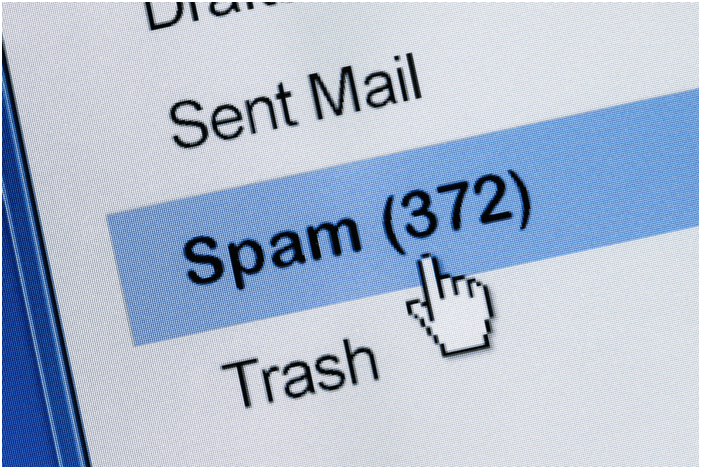
Picture this: you’re sitting at home responding to emails from your co-workers. Then all of a sudden, you see an email pop up in your inbox that says “Immediate Action Required.”
Of course, you’re startled because something could be up. But when you click on it, you realize that it was spam.
Spam emails are a nuisance because they take up space in your inbox and are annoying. Furthermore, if you accidentally click on the link, it can lead to data exposure.
You’re probably wondering, “How do I get rid of spam emails to ensure this doesn’t happen?” We’ll outline various steps below.
1. Mark Them as Spam
By default, your email service provider—Google, Yahoo, or Outlook—will have a setting that automatically detects spam. But sometimes, these emails can filter into your regular inbox.
If this happens, don’t delete the message right away. Instead, mark it as spam. So the next time you get an email from that address, it will go straight into your junk folder.
2. Delete, Delete, Delete
One of the easiest ways to get rid of spam emails is to delete them. More times than not, if it looks fishy, it’s probably spam.
Since your email does most of the work for you, you don’t think to check your junk folder. However, the quicker you delete the messages, the better.
If you happen to click on one, some contain software letting the sender know you have an active account. As a result, more spam emails could get sent your way.
So to get rid of them, find your spam or junk folder from your email provider. Then select the option to delete all spam emails, and they’ll be nonexistent.
3. Try a Third-Party Spam Filter
Getting rid of spam emails can be annoying because they shouldn’t be around in the first place. But if you want an extra layer of security, you can use a third-party spam filter.
With the help of this tool, spam messages that slip through the initial screening won’t pass through the additional layer of security. They’ll also help protect your computer against malware, scams, and other unpleasant content.
Find one that works with your provider and addresses your needs. Then experience the full benefits of having a clean email inbox.
4. Get a New Email Address
Sometimes, no matter what you do, the emails keep coming in. Unfortunately, that means your email has been subjected to a data breach and is no longer safe.
One option is to install a new email address. Most providers are free, so all you’ll need to do is set up an account.
Another option is to report your case to the Federal Trade Commission. While they can’t solve your individual issue, you can help eliminate spam threats for others down the line.
No Need To Ask Yourself “How Do I Get Rid of Spam Emails”
Hopefully, you found the answer to your question, “how do I get rid of spam emails.” They are very annoying to deal with, but with our tips, you can erase them from your inbox (and memory) in no time.
We hope you enjoyed our spam email guide. For related content, feel free to read our other blogs.
 E-Globe Business